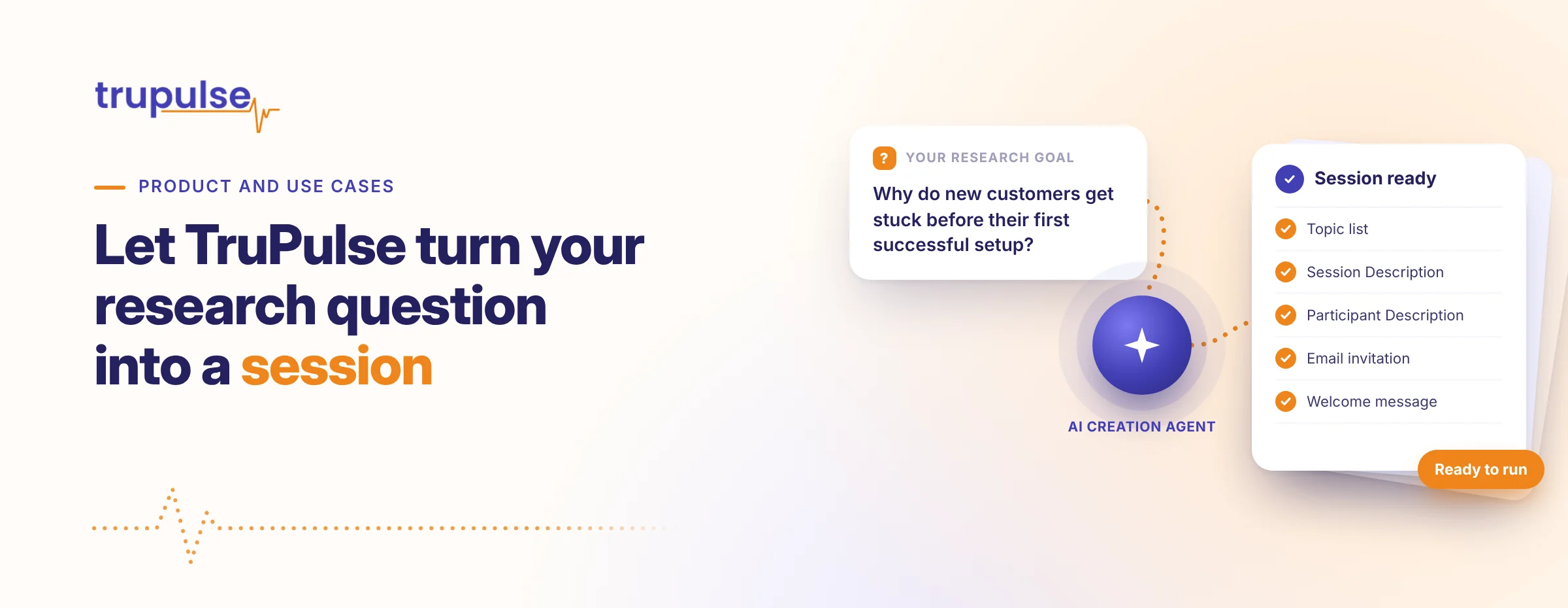
Your team has a good reason to ask for feedback. What it may not have is a finished question list, participant description, invitation, and welcome message ready to go.
A template gives you a place to begin. TruPulse adds an AI creation agent that works with you to understand what this particular session needs to accomplish, then prepares the relevant materials.
That combination is useful whether you’re trying something new or returning to a question your team has explored before. You can bring a starting point and let the agent help develop it into a session with a clear purpose.
Choose the starting point that suits your work
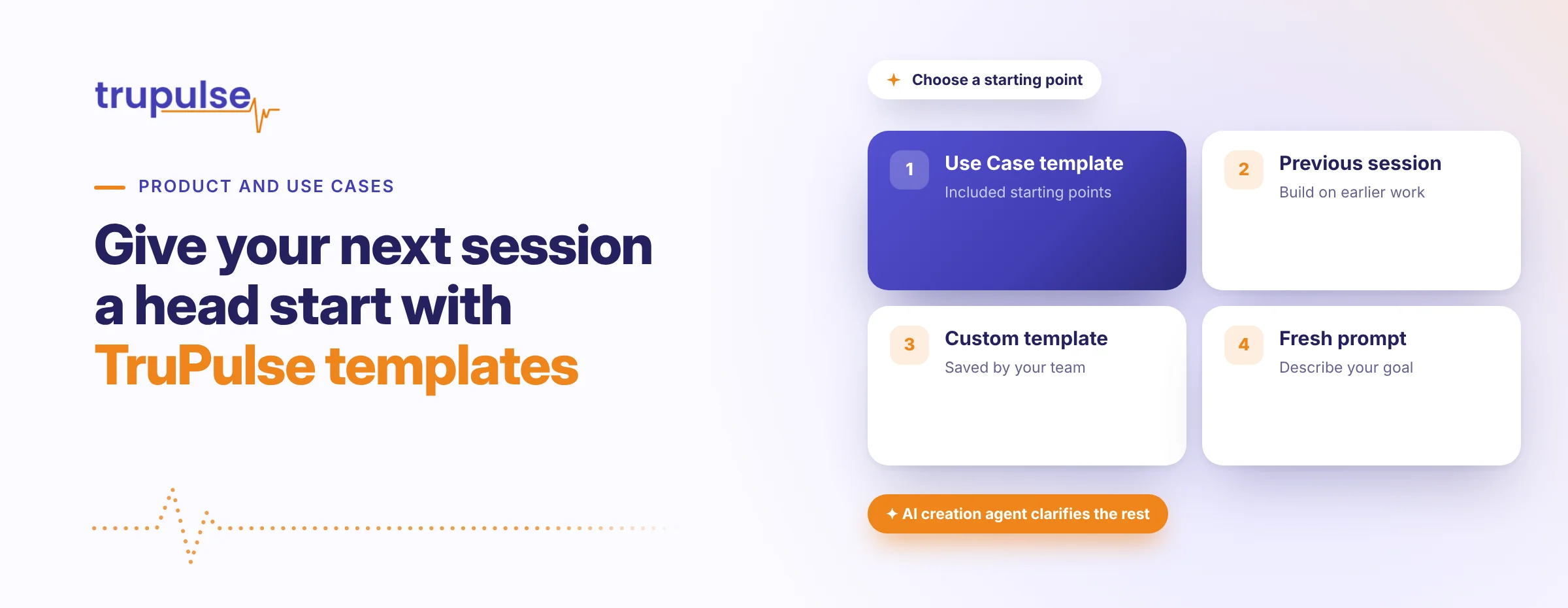
After selecting 1:1 Discussion, Survey, or Focus Group, you have several ways to begin. Choose an included Use Case template, select a previous session, use a saved custom session template, or write a fresh description and goals in the prompt window.
You don’t need to force a new question into a template simply because the template exists. The written prompt provides another route when you want to describe the situation directly.
If the session type itself is unclear, you can ask the AI agent to help you choose. That gives a less experienced creator somewhere to turn before preparing the session content.
For a recurring topic, a previous session or saved custom template can provide a familiar starting point. For a new topic, an included Use Case template can help you get beyond the blank page.
Let the agent understand what is different this time
Selecting a template doesn’t end the creation conversation. The agent reads the chosen material and goes through a short Q&A to clarify your goals, targets, and audience.
Imagine you’re planning a 1:1 Discussion about employee onboarding. An earlier session may have explored the whole first-month experience. This time, your team wants to understand the handoff from initial training to independent work.
The starting material gives the agent context. The Q&A gives you a way to explain the current purpose, including the people whose experience matters and what your team hopes to learn.
You can respond in text or select an AI-recommended answer. The agent proceeds to create the session once it has a clear enough understanding. You’re building from the starting material without having to turn it into the complete session yourself.
Get the supporting materials prepared too
For a Discussion or Focus Group, TruPulse creates the topic list for its AI interviewer or moderator. It also creates the Session Description, Participant Session Description, Email invitation, and participant welcome message.
For a Survey, the creation agent prepares the base question and answer options for your review, as well as the session and participant descriptions and Email invitation. It can recommend follow-up questions according to the selected type and intent.
The benefit reaches beyond having a few starter questions. The AI prepares the different pieces needed to describe the session and introduce it to participants, using the context clarified during creation.
For the imagined onboarding discussion, that means your team can focus on whether the materials reflect the training-to-work transition it wants to explore. It doesn’t need to write each piece separately before it has something concrete to consider.
Make the starting point work toward the result
Templates, past sessions, and custom templates are useful because they help you begin. The goal is still the understanding you want at the end.
TruPulse connects that creation experience with AI-led feedback collection and analysis. Your starting material helps set up the session. Reports with Executive Summaries, Key Insights, and Next Steps then give your team a prepared view of the feedback to review and use when choosing its next action.
If you have a recurring question or a project that keeps getting postponed, bring it to a TruPulse demo. Explore how an included template, previous session, or fresh prompt can become a focused session with help from the AI creation agent.