
AI-powered research. Human insight.
Go beyond what people think. Understand why.
TruPulse uses AI to create, conduct, and analyze surveys, 1:1 discussions, and focus groups. Your team sets the direction, approves the research, and reviews the findings—getting richer feedback with less manual work.
Bring one question about your organization. See how TruPulse researches it.
Customer case study
50 top performers. Answers in two weeks. A clear path to action.
Product
Choose the research experience that fits your question.
One platform. Three session types: 1:1 Discussions, Surveys, and Focus Groups. Select a tab to explore when to use each, its benefits, and a walkthrough.
Go deeper, without spending hours conducting interviews.
Set the direction and approve the discussion guide. AI conducts each discussion, so your team can gather in-depth feedback without spending time scheduling or running interviews.
- ✓Flexible timing—participants take part whenever it suits them
- ✓Respond in 17 languages via text, 16 via voice
- ✓AI follow-up questions that explore the “why”
How TruPulse Works
You set the direction. TruPulse does the research.
From your first question to findings you can use, in four steps.
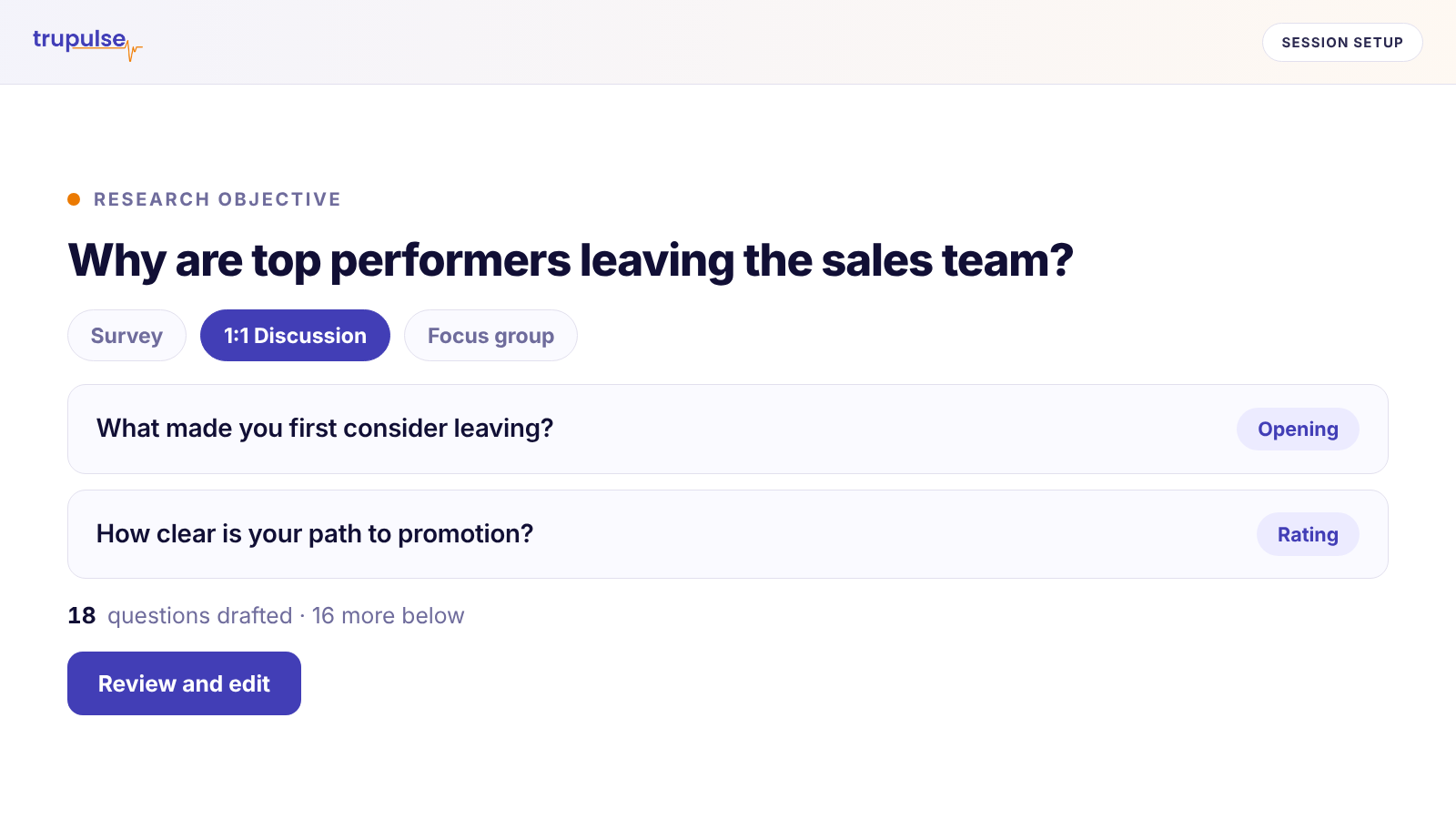
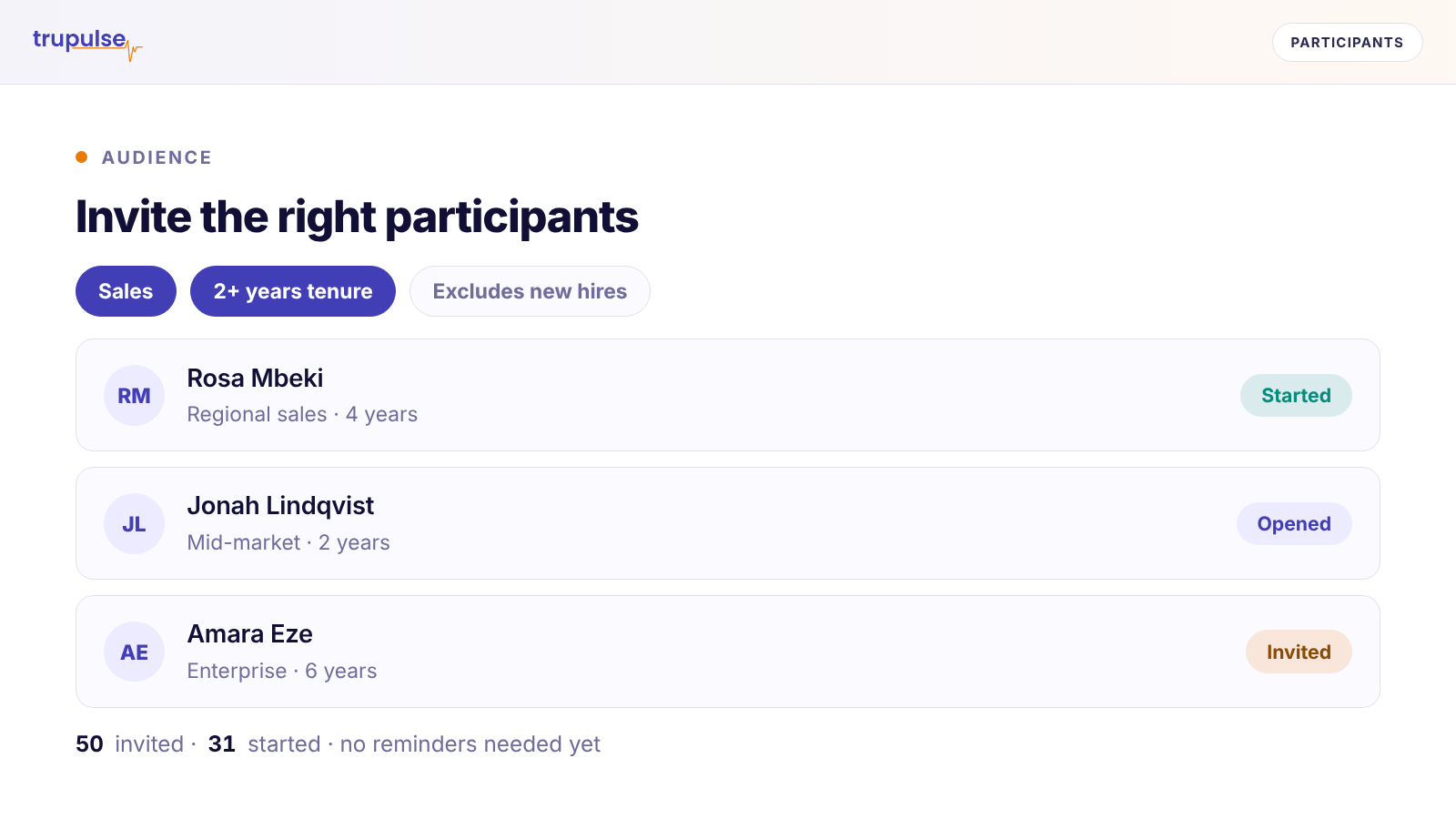
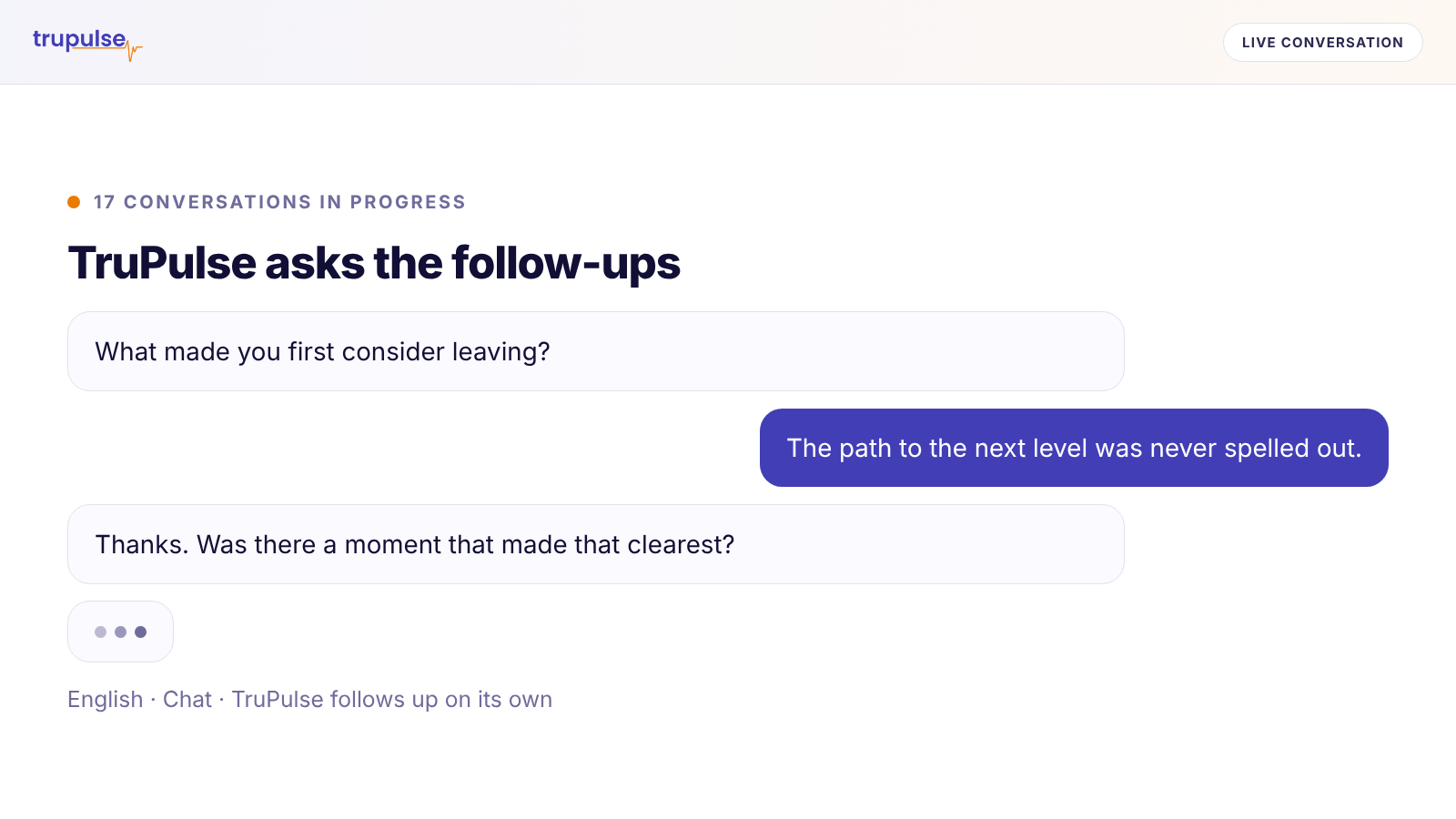
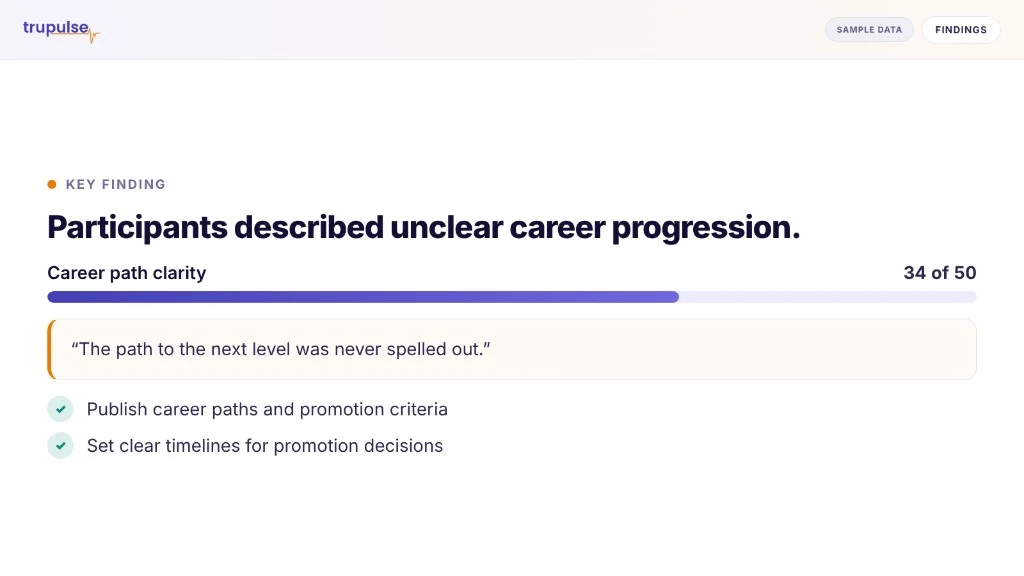
Group related sessions into a Campaign. Review each session’s report, then explore a Campaign report that brings together insights from all its sessions.
Reports built around your question
From every response to one clear view.
TruPulse turns participant feedback into structured reports that connect findings to your research objectives—with supporting evidence and suggested next steps for your team to review.
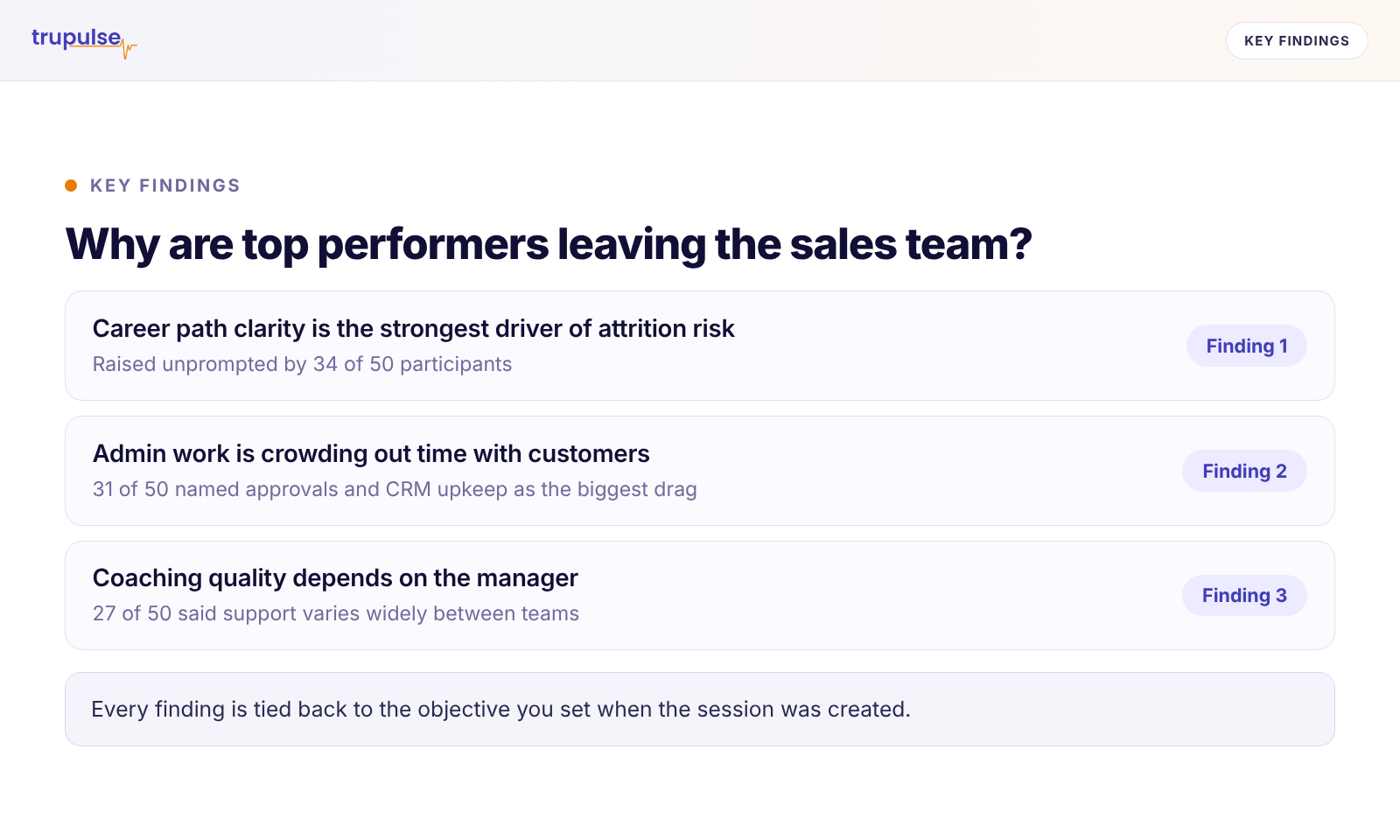
See the key findings
Understand the main takeaways and how they relate to what you set out to learn.
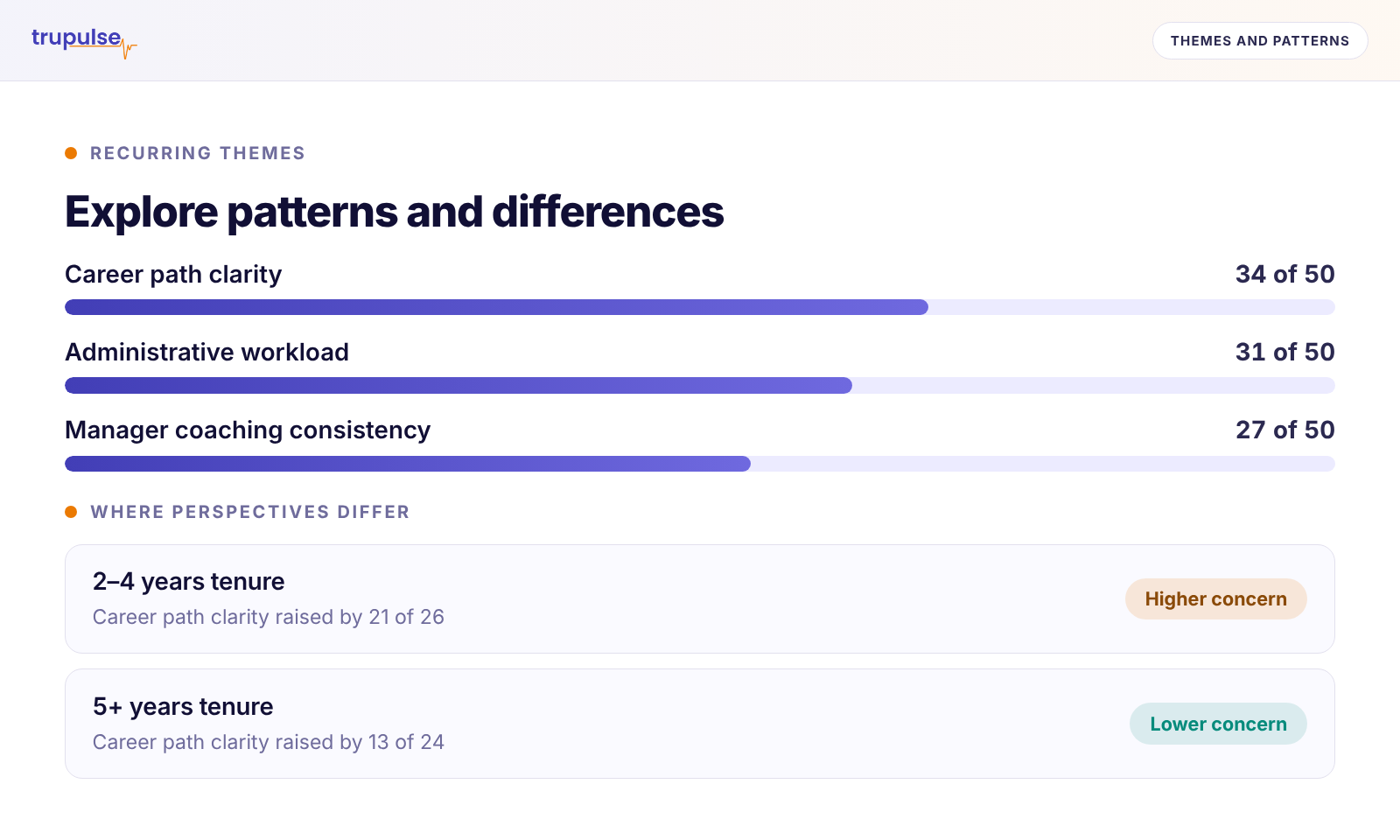
Explore patterns and differences
Explore recurring themes, contrasting perspectives, and question-level findings, with context from participants’ responses.
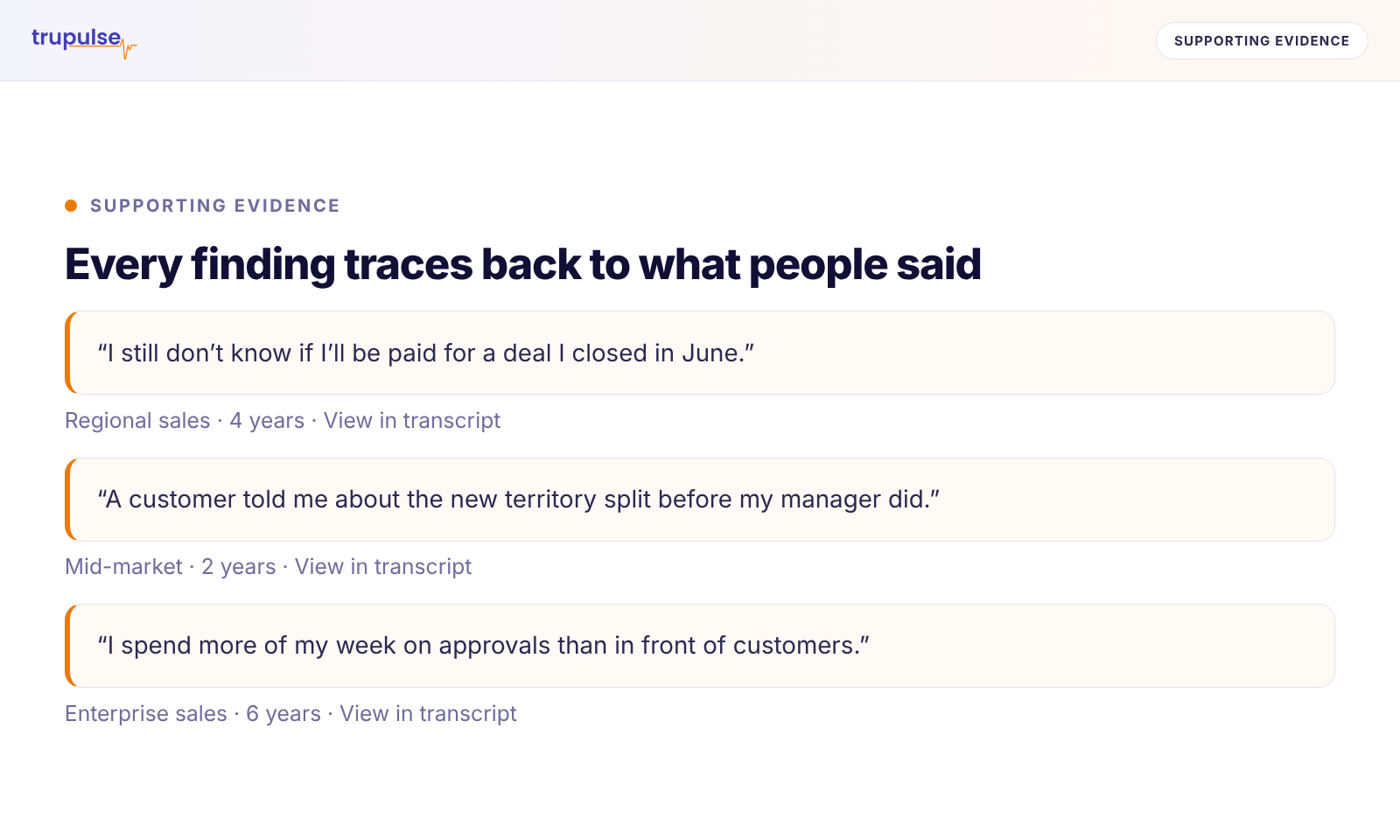
Examine the supporting evidence
Examine the supporting evidence and illustrative quotes included in each report. Explore the complete source material through discussion transcripts and survey responses.
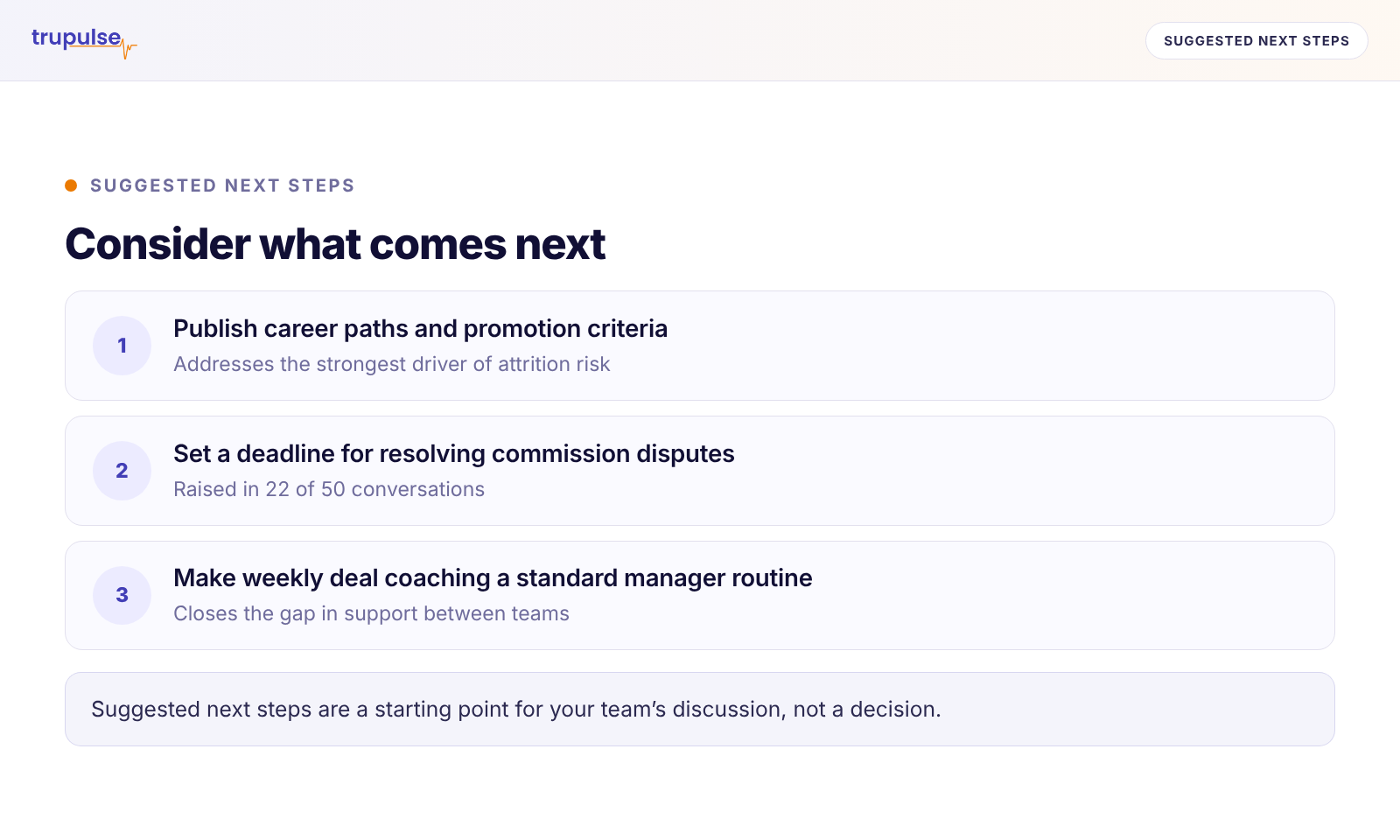
Consider what comes next
Use conclusions and Suggested Next Steps to guide discussion, further research, and decisions.
Get reports for an entire session or one participant, and customize them by adding or removing sections and making editorial comments. Access discussion transcripts and complete survey responses. Download reports in Word, PDF, or PowerPoint where available, and export survey response data to Excel or CSV.
Use Cases
Start with the question you need answered.
Understand the people your decisions affect—employees, customers, students, members, and communities. Explore these examples, or bring your own question.
Understand experiences
What is the experience really like—and why?
Explore what people value, where they encounter friction, and how their experiences differ. Look beyond satisfaction scores to understand the moments shaping their views.
Example use cases
Use a survey to gather feedback across your audience, or AI-led 1:1 discussions to explore specific experiences in depth.
Create research around your own topic, audience, and objectives.
Your brand. Your rules. Your review.
AI-led research. Guided by you.
Set the standards for your research, manage access to information, and give participants an experience that reflects your organization.
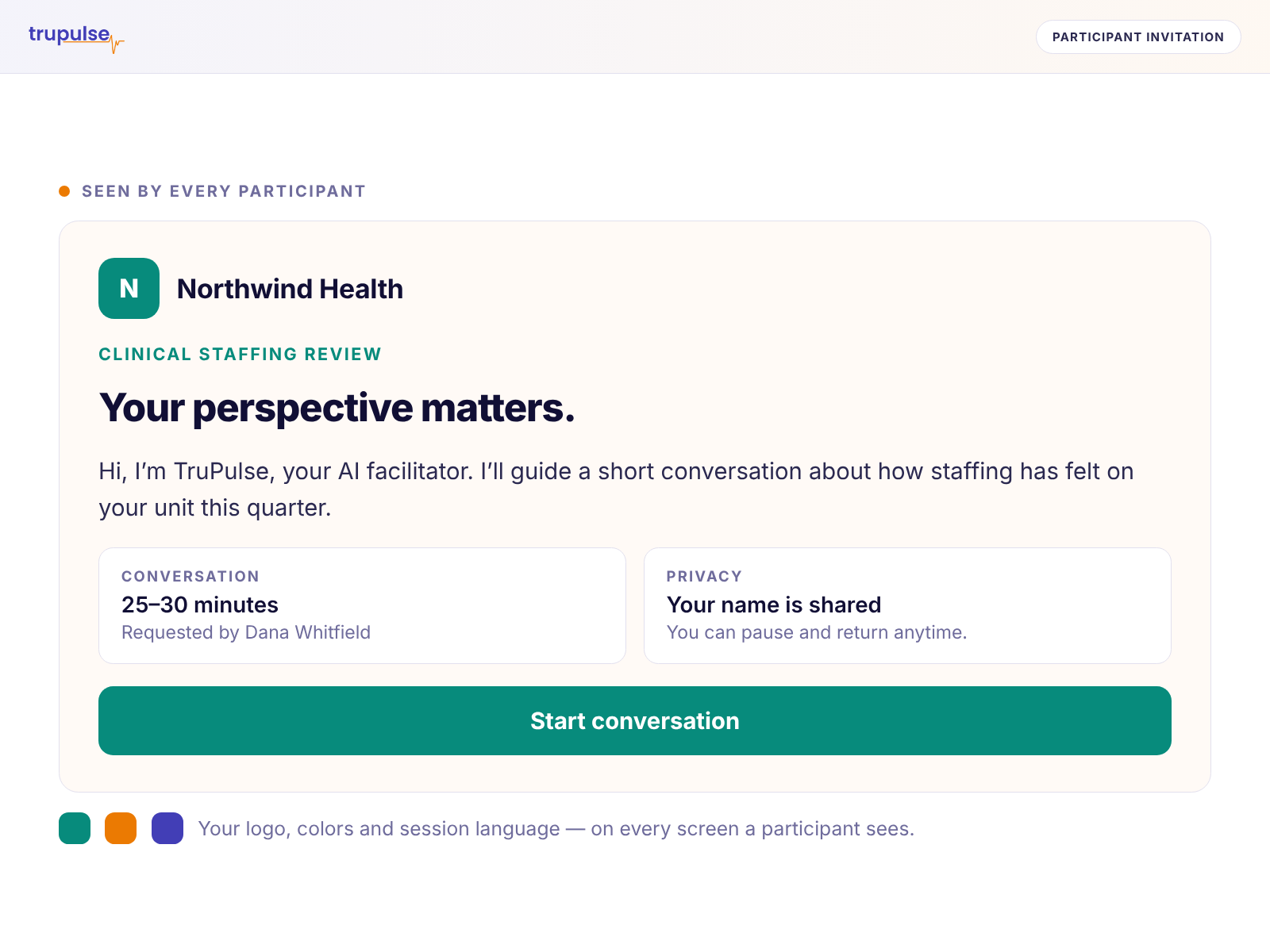
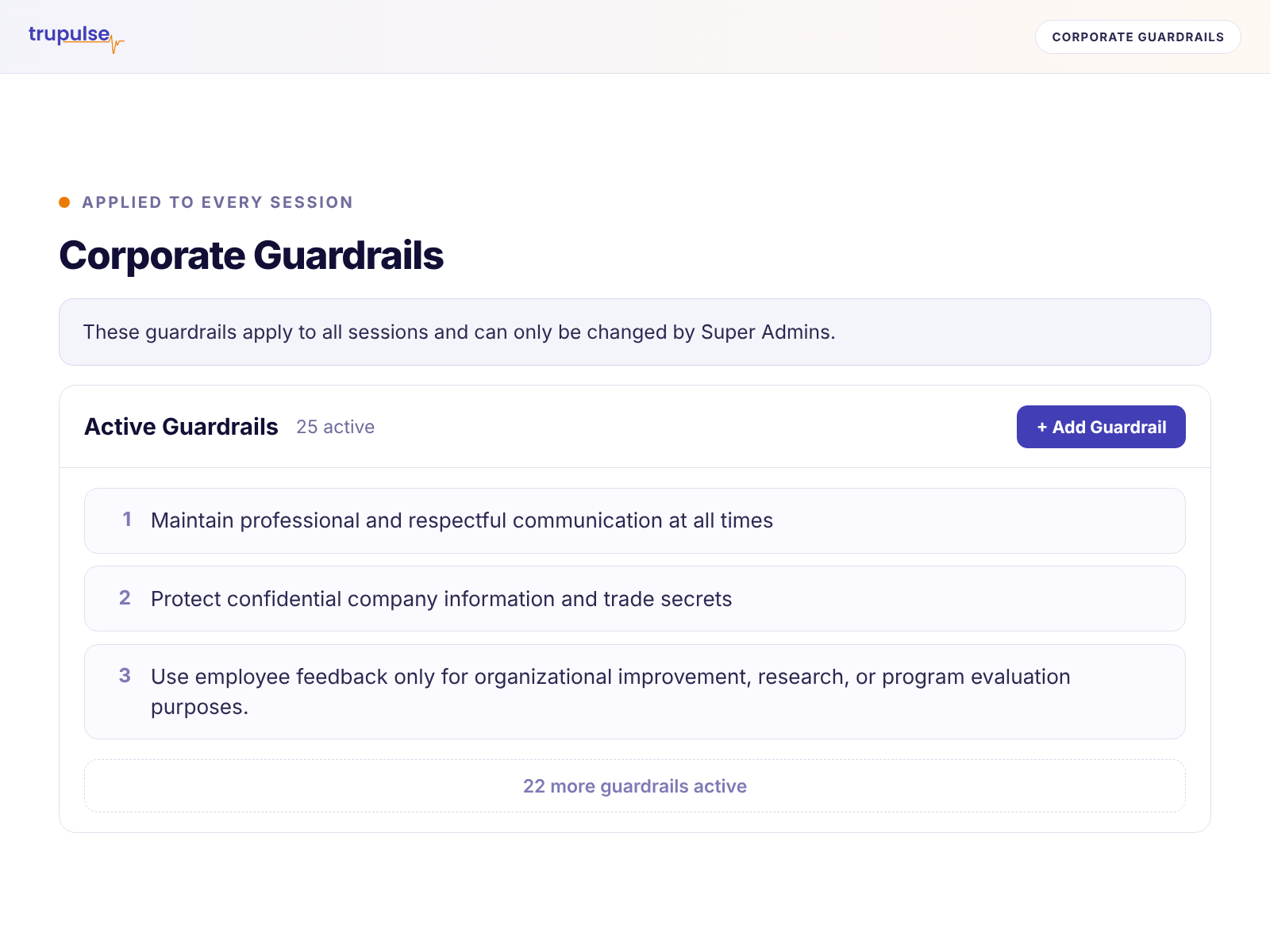
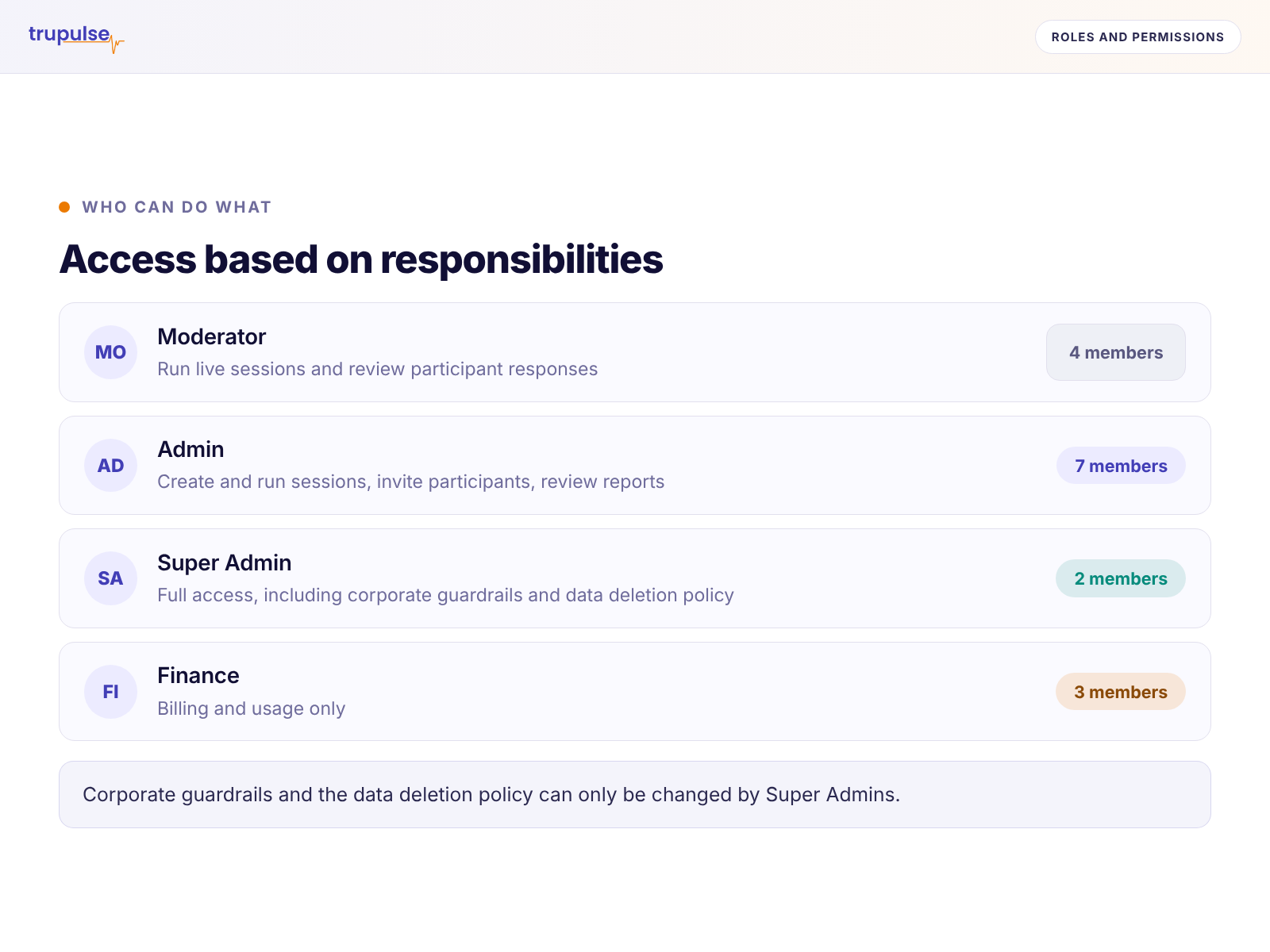
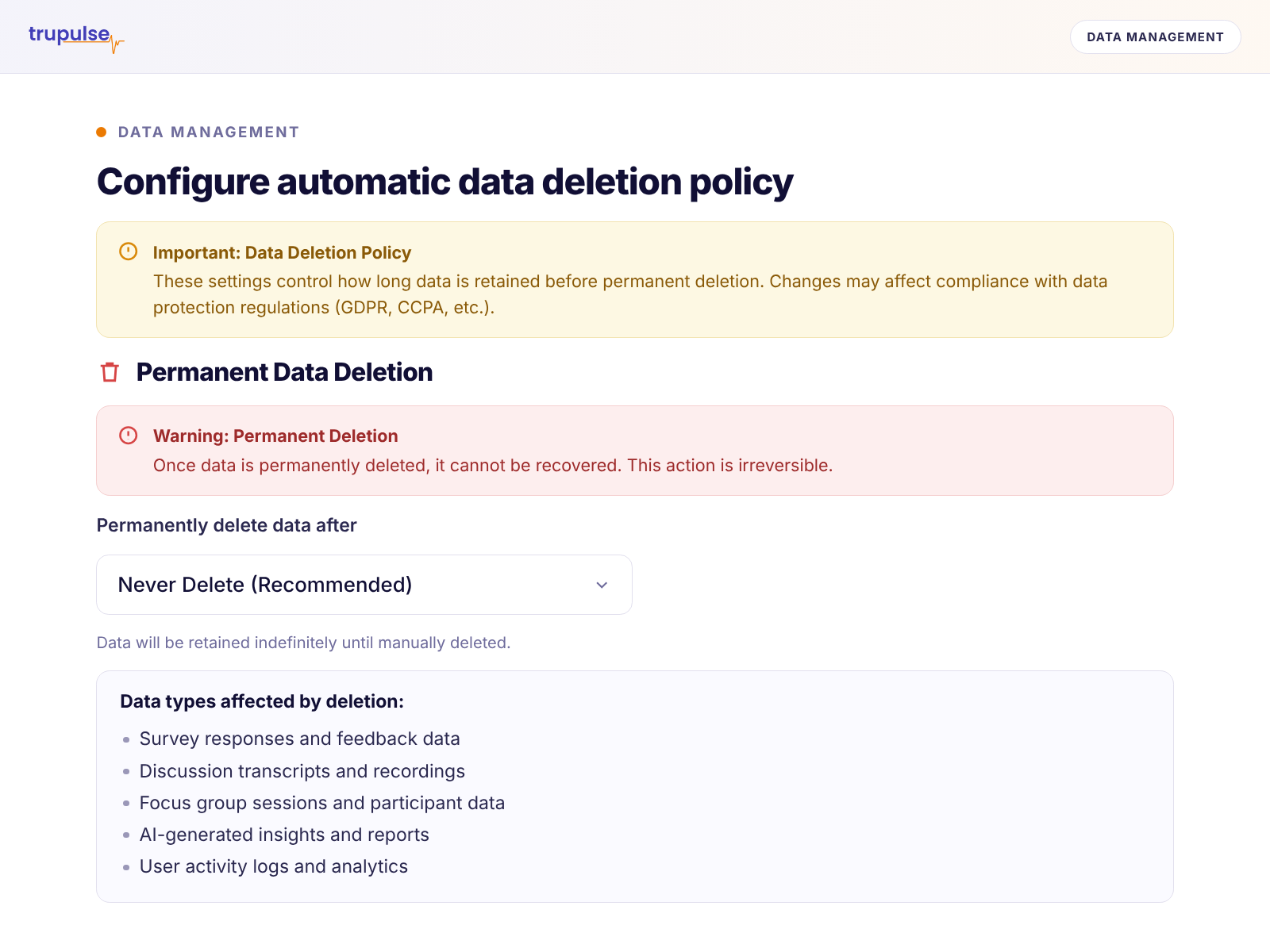
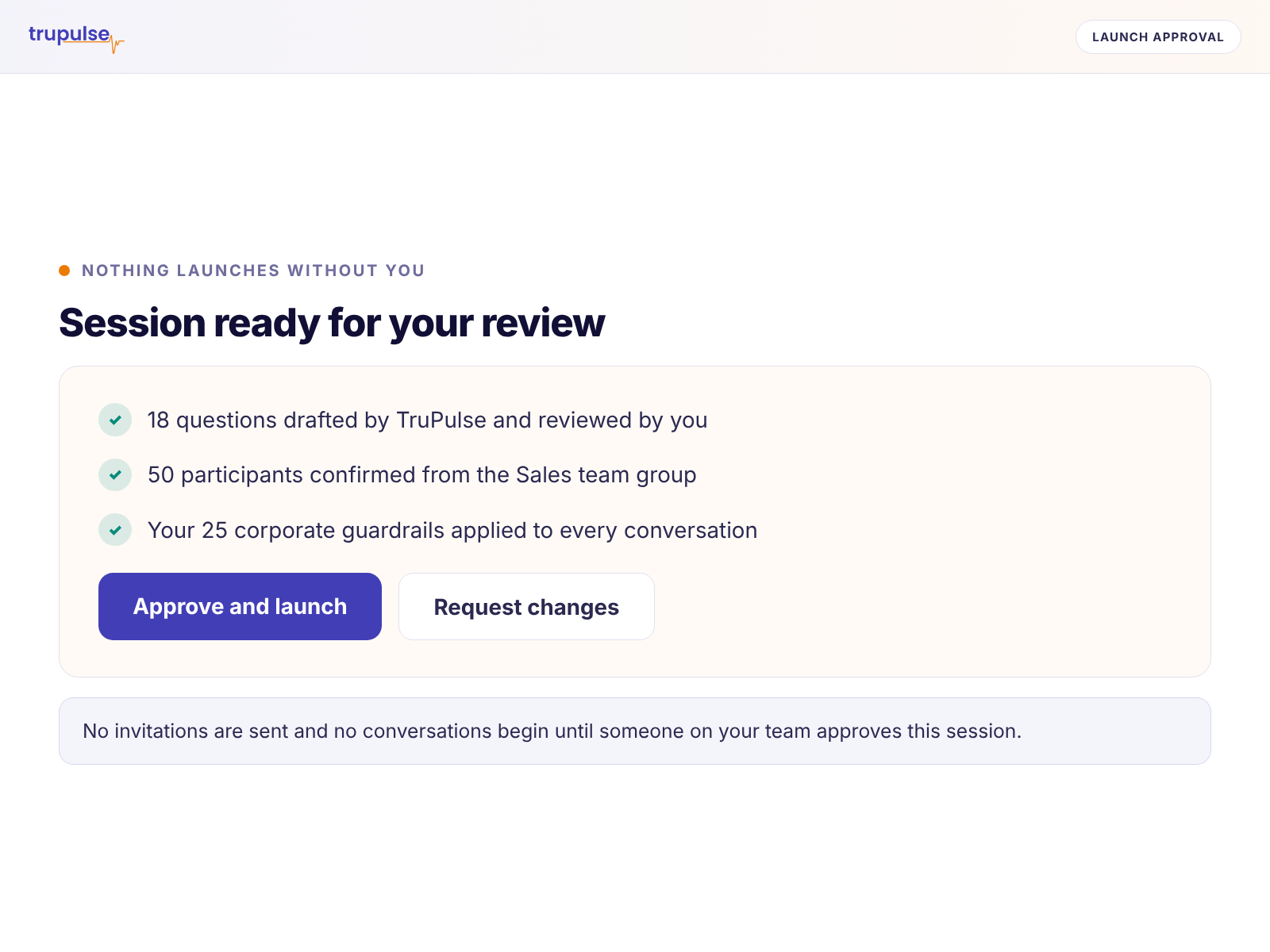
Your brand, throughout the experience
Bring your organization’s identity to participant invitations, sessions, and reports for a consistent, recognizable experience.
Research guidelines you define
Set guidelines for the AI’s language, questions, and handling of sensitive topics to support your research objectives and organizational standards.
Access based on responsibilities
Manage who can create and run research, review responses, and access reports through roles and permissions.
Control over data retention
Set how long research data is retained and manage deletion according to your organization’s requirements.
Your review at key steps
Review and approve sessions before launch. Evaluate the findings and supporting evidence before deciding what happens next.
Resources
Better research, in practice.
Practical guidance on AI-led surveys, discussions, focus groups, and turning participant feedback into informed decisions.
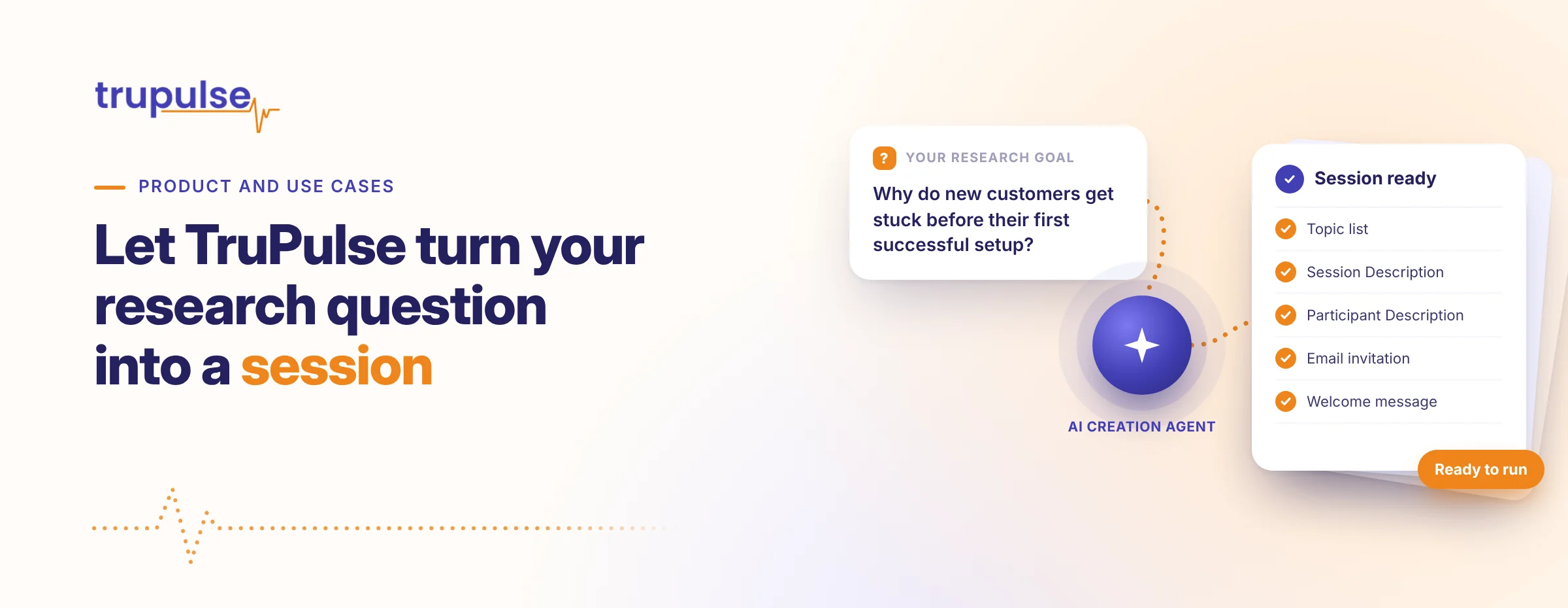 Product & Use Cases · 3 min readTurn your research question into a sessionYou know what you want to learn. TruPulse helps turn that goal into a feedback session through a short conversation with its AI creation agent. Explore how the agent prepares session content and participant materials, so your team can focus on the question and the results.Read Article →
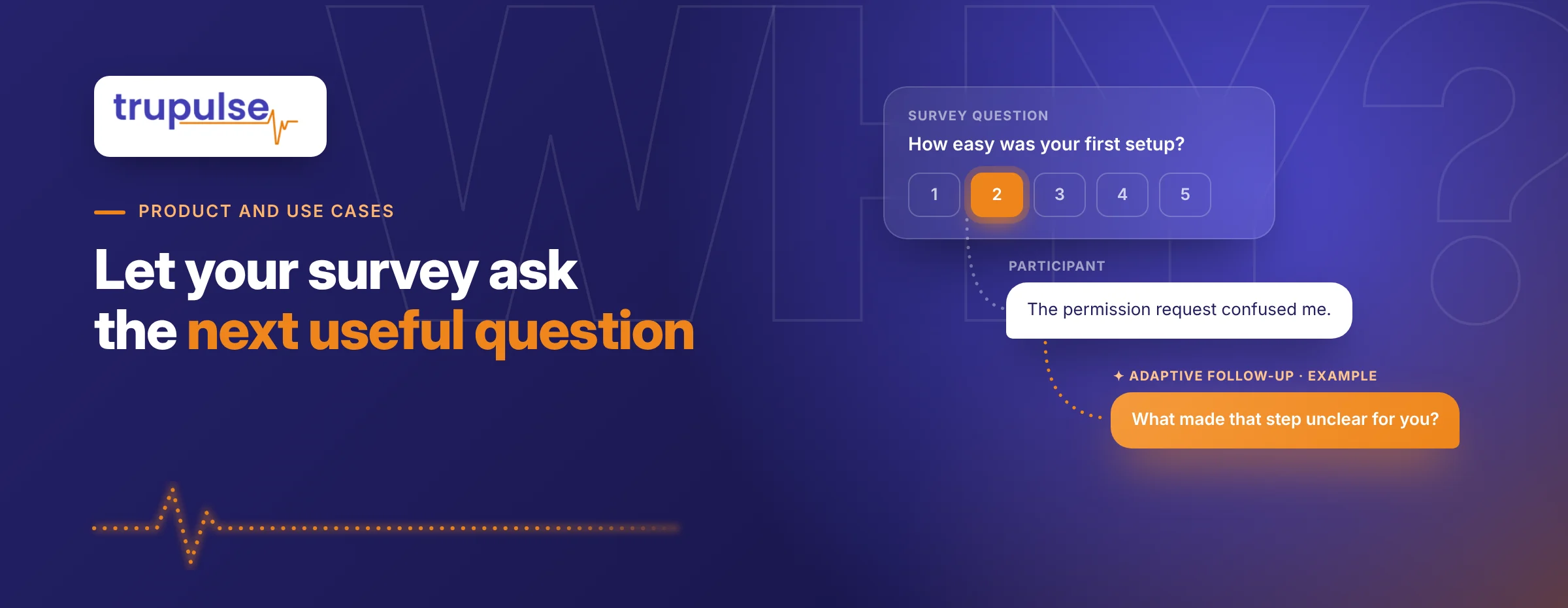 Product & Use Cases · 3 min readLet your survey ask the next useful questionA rating can point to a problem without explaining it. TruPulse lets you add Fixed, Conditional, or Adaptive survey follow-ups and select the kind of explanation you need. See how AI helps create the questions and brings follow-up responses into the report alongside each survey result.Read Article →
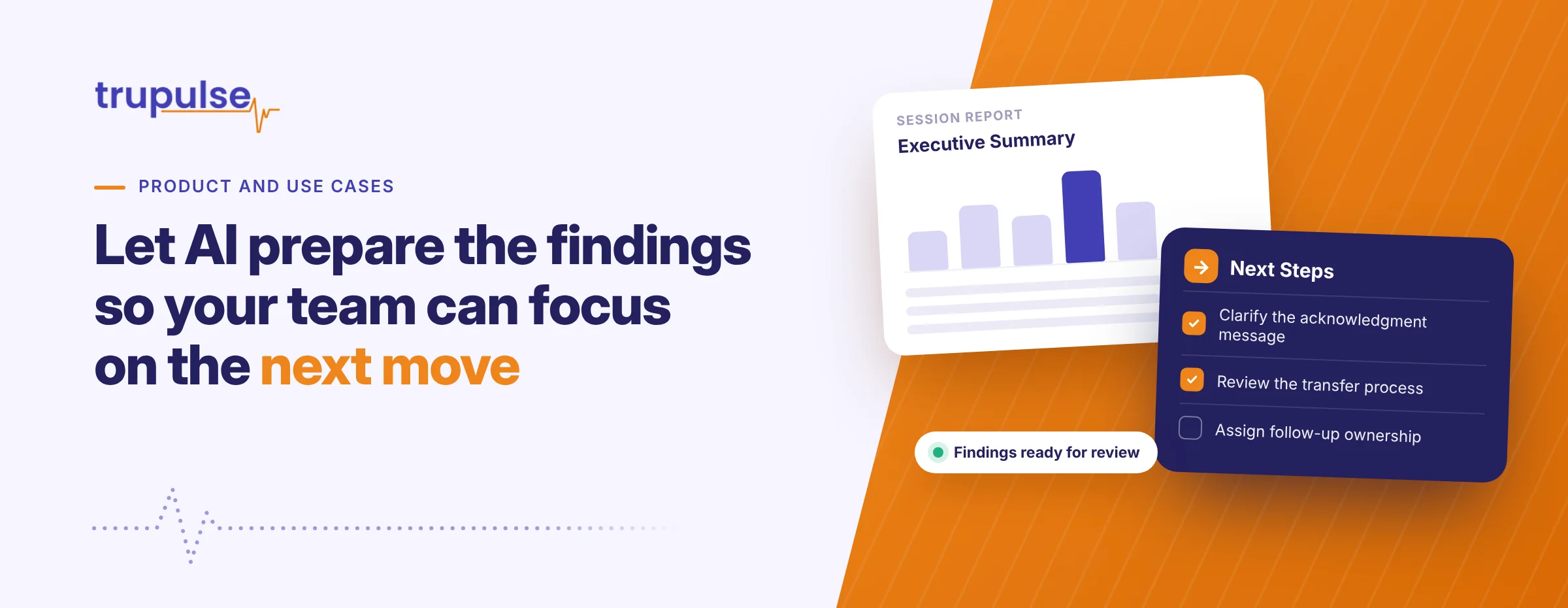 Product & Use Cases · 3 min readAI-prepared findings, so your team can actCollecting feedback is only part of the work. TruPulse prepares structured reports that bring the responses together, with summaries, relevant detail, and next steps. Explore the different reporting formats and see how your team can spend its attention on understanding the findings and deciding what comes next.Read Article →
Questions about TruPulse?
Start here. Ask us more.
Explore the FAQs, or ask our AI assistant how TruPulse works and how it could help your organization.
Prefer a conversation?
What is TruPulse?
TruPulse is an AI feedback platform that helps organizations create, conduct, and analyze 1:1 Discussions, Focus Groups, Surveys, and multi-session campaigns.
Who can use TruPulse?
Teams researching employee experience, customer needs, product ideas, and other topics where understanding people’s experiences and perspectives is useful.
How is TruPulse different from a traditional survey tool?
TruPulse’s AI agents help users create the perfect feedback session, conduct feedback sessions so you do not have to, and create detailed reports for your review. This saves your organization time and money and provides better feedback results.
Who sees a participant’s identity?
Each session has an Anonymous or Identified setting governing how participant identity is presented. Participants are notified in advance whether a session is Identified or Anonymous.
TruPulse does not list participants’ names in reports or transcripts from an Anonymous session. Participants should still avoid details that could reveal their identity.
In anonymous focus groups, other participants can see what you share, and details may reveal identity even when a name is hidden.
Who can access individual responses?
Open and Restricted session access govern which authorized TruPulse users in your organization are allowed to view and edit sessions and results. They are separate from the participant identity setting.
Organizations can adjust role authorizations and individual authorizations, including permissions such as document downloading.
Does privacy work the same way in every session type?
Identity presentation follows each session’s Anonymous or Identified setting. In 1:1 Discussions and Surveys, feedback is individual. In focus groups, participants can read one another’s contributions, so anonymity does not prevent recognition from shared details.
How much control does our team have?
AI helps your team design sessions, conduct discussions and surveys, generate follow-up questions, analyze feedback, and create reports. Your team reviews and customizes questions and session settings before launch, then reviews findings and recommendations before deciding what to do.
Are participant responses used to train AI models?
No. Customer research content is not used to train general-purpose AI models.
Book a Demo
What do you need to understand?
Bring a question about the people who matter to your organization. See how TruPulse helps you create the session, gather meaningful feedback, and turn responses into findings you can use—with your team guiding the process.
Have a question first? .